






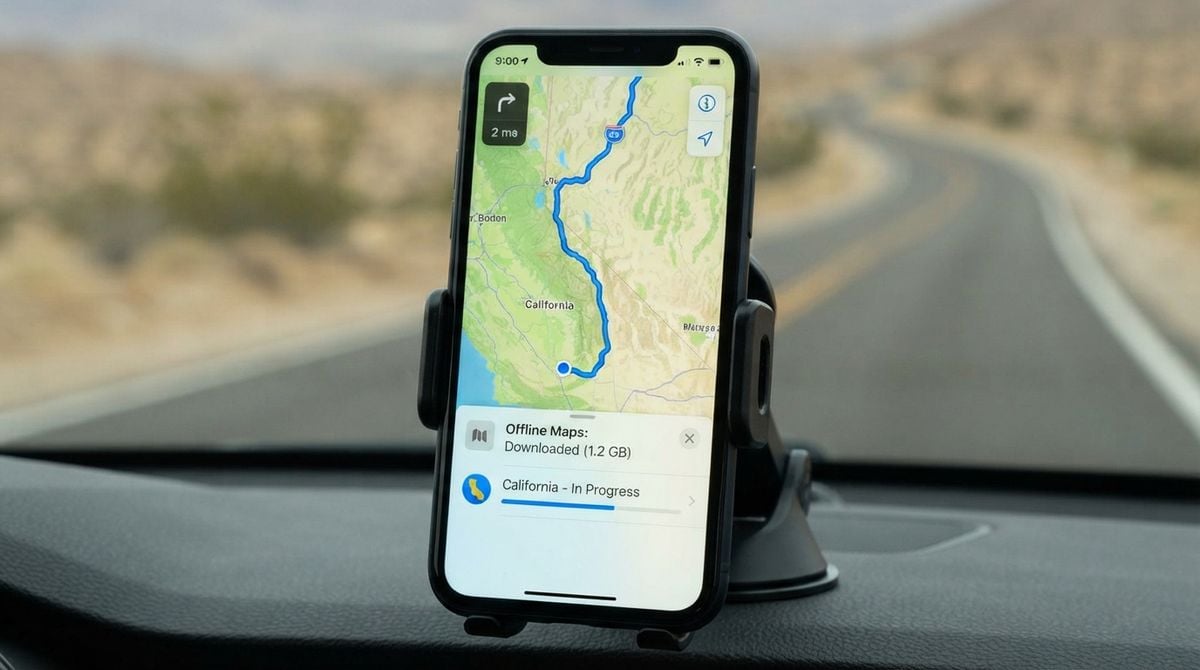
A business trip to an unfamiliar city can test even an experienced traveler. The phone loses signal in a crowded station, the map stops loading, and a meeting address that looked clear on the screen suddenly feels impossible to find. Many people rely on live connections for every step, which works well until the connection drops. Preparing a few offline tools before departure can make the whole trip feel steadier and less dependent on luck.
The approach combines two simple habits. Maps and key documents are saved for offline use before leaving home, and a small paper notebook holds the most important details. Together they create a backup that keeps the work moving when the network does not cooperate.
Signal Gaps in Unfamiliar Streets
Before adopting this method, the traveler depended on a single device for everything. Directions, meeting notes, hotel details and payment cards all lived on one phone, and a dead battery or a weak signal left them stranded. Walking through an unfamiliar district without a map felt risky, and every missed turn added to the stress of an already busy schedule.
Readers may also want to visit All The Rage Faces. A map that works without data is a simple safety net that costs almost nothing to set up.
Preparing Maps Before Departure
Most mapping apps allow users to download an area for offline use. Saving the city center, the airport route and the district of each meeting is a practical step. Adding screenshots of the hotel confirmation and the route to the venue gives an extra layer of security if the app fails.
You can also visit Morning Homestead for more reading. Checking the saved area a day before leaving confirms that every route loads correctly without a connection.
Keeping Payments Simple
A business trip often involves several payment options, and carrying too many cards can create confusion. Keeping one primary card, a backup card and a small amount of local cash in separate places reduces the risk of losing everything at once. Some travelers also note which clients accept digital currency so that they can plan payments in advance.
Notes about payment rules, fees and exchange habits belong in the notebook. Writing them down by hand makes them easy to check at a counter, even when the phone is out of battery. For a related read on this site, see Food Stops on the Road, Season by Season.
Notes That Support the Work
The paper notebook holds the details that matter most. Meeting addresses, names of contacts, flight numbers and a list of emergency contacts sit on the first pages. A short daily section records what was discussed and what needs follow up, which helps when writing a report after the trip.
A simple layout works with almost any notebook, and it takes only a few minutes to set up. Keeping the notebook in the same pocket each day prevents it from getting lost in a busy schedule.
Photos of documents add another layer of protection. A picture of a passport page, a visa or an insurance card, stored in a secure folder that the traveler can open offline, provides a backup if the original is lost. Keeping these images apart from the everyday photo gallery reduces the chance of accidental sharing.
Time zones deserve a line in the notebook as well. Writing the local time next to each meeting, along with the home office hours, helps prevent confusion when a call is scheduled across a long distance. A small table with two columns for the two clocks makes the difference easy to see at a glance.
Taking short breaks between meetings protects energy. A walk around a park or a quick cup of tea at a cafe gives the mind time to reset, and a few notes about the next step help the traveler return to work with clarity.
Keeping one copy of the itinerary in the notebook and another in a shared folder helps colleagues at home stay informed. A short daily update, sent when the connection allows, reassures the team and creates a timeline that is easy to share. Offline copies of key contacts, along with a backup list of nearby services, make the trip smoother when plans shift. A traveler who keeps a list of questions for each meeting often leaves with clearer answers and fewer follow up emails.
Returning Home With Less Stress
After a few trips with this routine, the journey feels calmer. The traveler moves through the city with confidence, checks the map without worrying about data, and handles payments without hunting for the right card. Problems still happen, but they are easier to solve when the backup is ready.
The final day is often the easiest. The notebook makes it simple to gather receipts and notes, and the offline maps help guide the way to the airport. The traveler returns home with a clear record of the trip and fewer loose ends to tie up.